
A Bizarre Run Saddles: Customize Menu and Confirmed Details
Find A Bizarre Run’s saddle options through Customize, with confirmed menu details and limits on prices, unlocks, and stat claims.
Where do you change saddles in A Bizarre Run?
Start with Customize in the lobby interface. GG Games’ community walkthrough of A Bizarre Run describes opening customization directly from the interface, without visiting the stable. The creator also associates the stable with mount customization.
During that walkthrough, GG Games describes changing the horse’s saddle and mentions three choices. This establishes saddle customization in the recorded version; it does not confirm that exactly three saddles remain available on November 9, 2026.
Use the recording to locate the general menu, then follow the options displayed in your current client. Exact current submenu labels, saddle names, and selection steps are unverified.
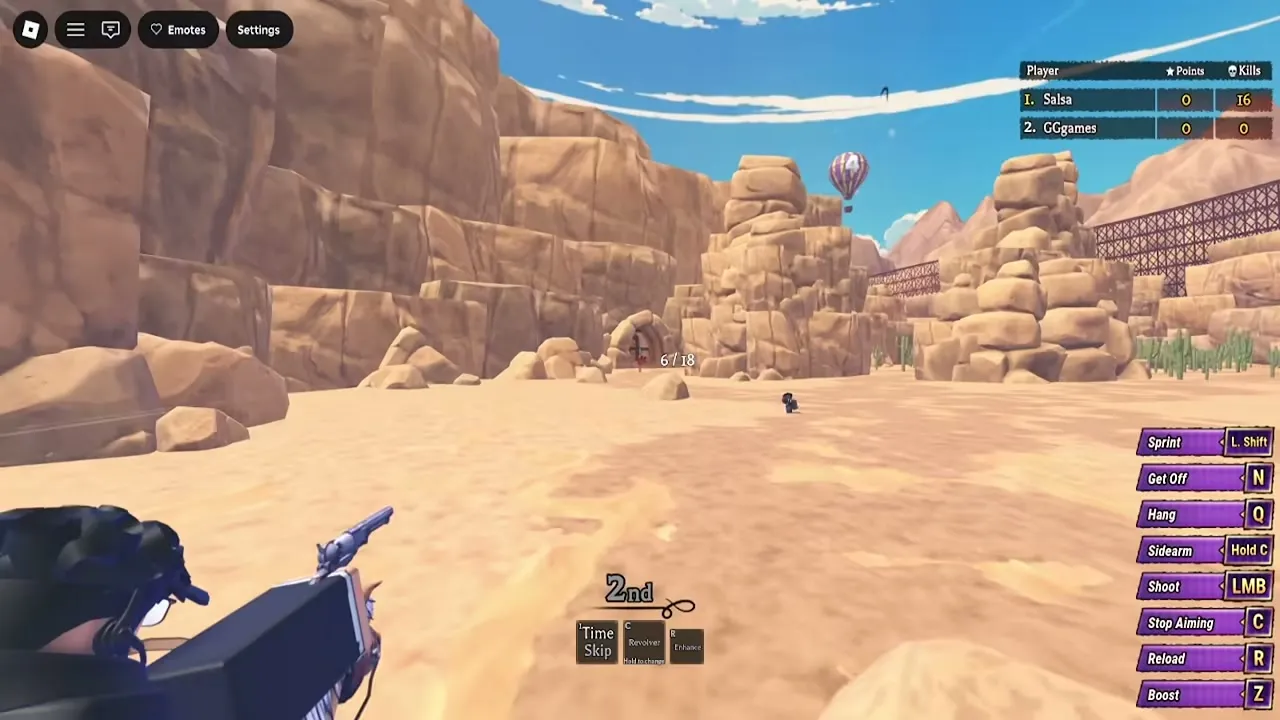
The Portuguese-language guide provides the customization observations discussed here. The course image above is a general mount reference.

GUIA COMPLETO do A BIZARRE RUN (STANDS, ESTÁGIOS, NPCS e ETC.) - Roblox — GG Games
Do saddles change horse stats?
No saddle-specific performance bonus is verified. That does not prove every saddle is purely cosmetic.
The walkthrough also describes horse skins and changing the color of the cloth displaying the racer’s number. These are separate customization choices; their presence beside saddle selection does not establish shared effects.
Sportskeeda’s beginner’s guide describes rerolling five mount stats through Customize: Stamina, Acceleration, Handling, Top Speed, and Boost Length. It does not attribute those stats to particular saddles.
Keep saddle appearance separate from the mount systems covered in our A Bizarre Run horses guide. There is currently no supported saddle ranking for speed, stamina, or overall racing performance.
Is there a saddle game pass?
The official game-pass API snapshot dated November 9, 2026 listed Awakening Outfits, Custom Kill SFX, Skip Wheel Spin, and an unavailable VIP pass. None explicitly names a saddle.
This means the snapshot contains no named saddle pass. It does not rule out saddles, in-game purchases, or other acquisition routes. Saddle-specific prices, currencies, and unlock requirements remain unverified.
When checking paid options, consult our A Bizarre Run game passes guide alongside the current item description. Do not assume a saddle requires Robux or a pass simply because it appears in Customize.
What should you check before choosing a saddle?
Read whatever information the current selection provides:
- Appearance: Confirm you are selecting a saddle rather than a skin or numbered-cloth color.
- Cost: Check the displayed price and currency if payment is required.
- Requirements: Follow stated conditions without assuming a quest, win total, or level gate.
- Effects: Look for an explicit modifier before expecting a racing advantage.
The recording’s three choices are not a complete current collection checklist. A more elaborate design also provides no basis for assuming better stats.
If your goal is faster races, our A Bizarre Run racing tips covers technique separately. A successful run alone cannot establish a saddle bonus: boost timing, stamina management, shortcuts, and other race conditions can affect the result.
Related Articles
racing
A Bizarre Run Horses: Stats, Rerolls and Riding Controls
Learn how A Bizarre Run horses work, which stats community guides report, where to customize mounts, and how to manage boosts and rerolls.
racing
A Bizarre Run Racing Tips: Slipstream, Stamina and Boost Timing
Use these A Bizarre Run racing tips to manage stamina, line up slipstreams, time horse boosts, and survive Stage 2 hazards.
racing
A Bizarre Run Stage 1: Route, Hazards and Racing Tips
Use this A Bizarre Run stage 1 guide for controls, stamina tips, slipstreams, hazards, and Gyro quest objectives.
Was this helpful?
Thanks for the feedback!