
A Bizarre Run Secondary Items: Controls, Weapons and Spin
Learn how to equip A Bizarre Run secondary items, switch weapons, use Spin's steel balls, and understand race-stage restrictions.
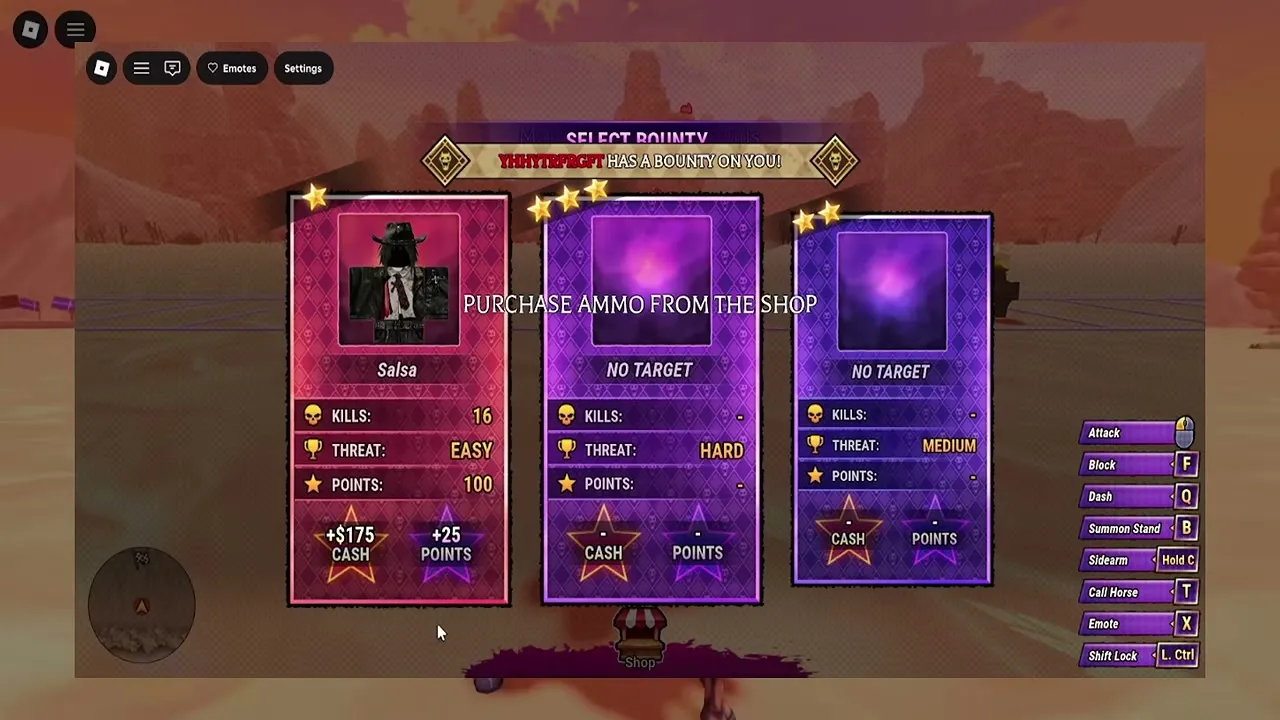
How do you equip and switch secondary items?
A Bizarre Run secondary items give you equipment to use alongside your Stand, but tapping and holding the selection key perform different actions. Learning that distinction helps you prepare your weapon before a race encounter instead of searching for it mid-fight. To access A Bizarre Run secondary items on keyboard, press C to pull out your selected item, or hold C to choose secondary equipment.
General game reference: this recording provides context, not a dedicated demonstration or proof of every topic discussed here.
The video is narrated in Portuguese. The English explanation in this article covers the relevant observations.

GUIA COMPLETO do A BIZARRE RUN (STANDS, ESTÁGIOS, NPCS e ETC.) - Roblox — GG Games
View the source recording on YouTube.
These bindings come from the official A Bizarre Run Roblox listing, whose November 9, 2026 reference snapshot carries the [D4C] title. The listing also gives your Stand a separate button.
| Keyboard input | Officially listed action | What it helps you do |
|---|---|---|
| Press C | Pull out your secondary item | Equip the item you have selected |
| Hold C | Choose your secondary item | Select equipment from your available options |
| Press B | Pull out your Stand | Access your Stand separately |
Start by holding C and checking which equipment is available. Choose the item you want, then use the listed C action to pull out your selection. Simply pressing C does not perform the same selection action as holding it.
The official description confirms these equipment controls, but it does not provide a complete firing, throwing, charging, or reloading guide. Follow the relevant in-game prompts for those actions. It also does not establish equivalent controller or touchscreen inputs, so the keyboard table should not be treated as a universal device guide.
Which A Bizarre Run secondary items are supported by the footage?
Community reports identify the revolver, dynamite, and Spin’s steel balls as relevant secondary equipment. That gives players a useful starting point, although it does not establish a complete inventory of every purchasable weapon or utility item.
The GG Games release guide describes the revolver and dynamite as starting race equipment. Separate player experience with Spin shows steel balls replacing the revolver while dynamite remains selectable.
| Equipment | What community reports support | What the evidence does not establish |
|---|---|---|
| Revolver | Starting ranged equipment used during races; direct combat is described in Stage Two | Exact damage, ammunition capacity, reload timing, or ammunition prices |
| Dynamite | Starting explosive equipment that remains available when using Spin | Exact damage, blast radius, fuse duration, or carrying limit |
| Steel balls | Spin replaces the revolver with a throwable secondary that has a charge meter | Exact charge scaling, capacity, replenishment rules, or damage values |
The distinction between equipment and progression items matters here. Stand Arrows and Rokakaka fruit appear in the wider game guides, but those references describe obtaining or resetting Stands. They do not establish either item as a weapon selected through the secondary-equipment control.
Similarly, a quest asking you to collect an object does not automatically make that object usable race equipment. Gyro’s quest steel ball contributes to unlocking Spin; the demonstrated secondary replacement comes with the Spin ability.
For a new player, the useful first step is to inspect the choices available through hold C. Use the table to recognize supported equipment, then check the actual selection and shop menus before planning around an additional weapon.
How should you use secondary equipment during each race stage?
The biggest practical distinction for A Bizarre Run secondary items is environmental interference versus direct player combat. Community reports describe Stage One as a racing section with direct combat disabled, while Stage Two enables fighting against other racers.
That explains why drawing a ranged item during the first stage does not necessarily mean you can shoot another player. Secondary equipment can still matter through interactions with hazards.
| Race segment | Supported behavior from community reports | Practical approach |
|---|---|---|
| Stage One | Direct player combat is disabled; racers can trigger environmental traps | Look for relevant map hazards while maintaining your racing line |
| Train between stages | Players can buy equipment using in-game currency | Inspect available items and their displayed prices before Stage Two |
| Stage Two | Weapons and abilities can be used against opponents | Prepare the secondary item you intend to use before an encounter |
Stage One: understand what you are targeting
The release guide describes triggering traps as a way to interfere with opponents during Stage One. Player experience in the Spin showcase specifically includes hitting TNT with steel balls.
The supported lesson is to distinguish shooting a map object from attacking a racer. If a direct shot at another player produces no useful result during this stage, the stage’s combat restriction may explain it.
Keep the racing task in view, too. The Spin player repeatedly manages stamina, shortcuts, and positioning while using secondary attacks. A reasonable approach is to take clear opportunities to trigger hazards without letting aiming consume all your attention.
Between stages and during Stage Two
Community reports place an equipment-buying opportunity inside the train waiting area after a stage. Inspect that shop before deciding what to purchase: the reviewed sources do not document its complete stock or individual prices.
Stage Two changes the purpose of your equipment because direct combat becomes available. Select what you plan to use before approaching opponents, and remember that drawing your Stand uses a different official control.
These recommendations follow the stage behavior described in release footage. They do not establish that every secondary item works identically in every mode or encounter.
How does Spin change your secondary item?
For A Bizarre Run secondary items, Spin has a clearly demonstrated equipment change: steel balls replace the revolver. The Spin gameplay and unlock demonstration also shows that the player can still switch to dynamite.

WINNING WITH SPIN AND HOW TO GET & UPDATE ADDITIONS.. | A Bizarre Run — JustVision
This is player experience from release footage, rather than a numerical weapon specification published in the official listing. It supports several useful observations:
- The steel ball can be drawn using C.
- The throwable attack can be charged, with a visible charge meter.
- Steel balls can be used while racing.
- The player eventually encounters a message indicating no steel balls remain.
- Equipping Spin does not remove access to dynamite in the demonstration.
The charge meter is worth learning, but the footage does not establish an exact damage increase per charge level. It also does not clearly document the charging input, so do not assume holding C charges the throw: the official listing assigns hold C to secondary selection.
The limited supply matters as well. The player repeatedly throws steel balls and then runs out. That supports choosing your opportunities carefully, but it does not tell us whether replenishment follows a timer, a checkpoint, a purchase, or another rule.
How do you unlock the steel ball replacement?
Community reports connect the replacement to obtaining Spin through Gyro’s quest line. The Spin showcase reports a two-win requirement and describes these objectives:
- Accumulate 15 seconds of slipstream and finish Stage One in 10th place or better.
- Find Gyro’s randomly spawning steel ball during Stage One.
- Return the steel ball to Gyro.
- Get 10 player eliminations specifically in Stage Two.
- Find and defuse the bomb associated with the bomb-dropping character, then return to Gyro.
The player experience places the bomb interaction near the top of the waterfall after the character stops dropping bombs. Treat the quest text and interaction prompt in your game as the practical checkpoint for that step.
The references do not establish a fixed coordinate for the randomly spawning steel ball or say that all objectives must be completed in one race. Finding the quest object alone should not be confused with completing the entire Spin unlock.
Why aren’t your A Bizarre Run secondary items working as expected?
Before assuming an item is broken, check the selection input, race stage, and equipped ability. Each can explain a different result without requiring an undocumented mechanic.
| What you notice | What the sources support | What to check |
|---|---|---|
| Pressing C does not let you choose another item | Pressing equips; holding selects | Hold C to access secondary selection |
| Your revolver has become a steel ball | Player experience shows this replacement with Spin | Check whether you are using Spin |
| Direct attacks do not work against racers in Stage One | Community reports describe direct combat as disabled there | Distinguish player targets from environmental hazards |
| You cannot keep throwing steel balls | The Spin player runs out during a race | Check your available supply and any on-screen message |
| A guide quotes exact damage or ammunition prices | Those figures are absent from the reviewed sources | Check the current item information before relying on the claim |
These checks also help distinguish a selection problem from a resource problem. If you can select a steel ball but receive a message that none remain, repeating the selection input does not explain how to restore the supply. The available footage leaves that replenishment question unanswered.
There is likewise insufficient evidence for a definitive “best secondary item” ranking. The Spin player praises steel balls, but one player’s successful run does not establish a controlled comparison against every other option.
The dependable approach to A Bizarre Run secondary items is to learn the confirmed controls, recognize your available equipment, and apply the stage rules. Exact damage, ammunition economics, complete shop stock, and universal device bindings remain outside what these references establish.
FAQ
What button selects A Bizarre Run secondary items?
On keyboard, hold C to choose a secondary item and press C to pull out the selected item. These are separate actions in the official Roblox description. Your Stand uses B, so secondary selection and Stand access should not be treated as the same control.
Can you use secondary weapons during Stage One?
Community reports support using ranged equipment to trigger environmental hazards during Stage One. They describe direct player combat as disabled in that stage. The Spin demonstration specifically discusses hitting TNT with steel balls, so having a weapon available does not mean direct PvP is enabled.
Does Spin remove your dynamite?
No, according to the linked player experience. Spin replaces the revolver with steel balls, while the player can still switch to dynamite. The demonstrated change concerns the revolver replacement; it does not establish that Spin removes the rest of your secondary equipment.
Where can you buy more equipment?
Community reports describe buying equipment with in-game currency inside the train waiting area between stages. Check the shop’s displayed stock and prices during your run. The references do not provide a verified complete catalog or ammunition price list, and they do not establish that the shop replenishes every secondary resource.
Related Articles
codes
A Bizarre Run Codes (November 2026): Rewards and Redemption
Find reported A Bizarre Run codes, compare reward discrepancies, follow redemption steps, and learn where to check for new announcements.
items
A Bizarre Run Corpse Parts: Conflicting Reports and Arrow Options
Understand conflicting corpse-part reports in A Bizarre Run, the June preview's limits, and the documented Stand Arrow alternative.
items
How to Use a Stand Arrow in A Bizarre Run
Learn how to craft and use Stand Arrows in A Bizarre Run, choose a Stand card, protect your slots, and check reported fragment sources.
Was this helpful?
Thanks for the feedback!